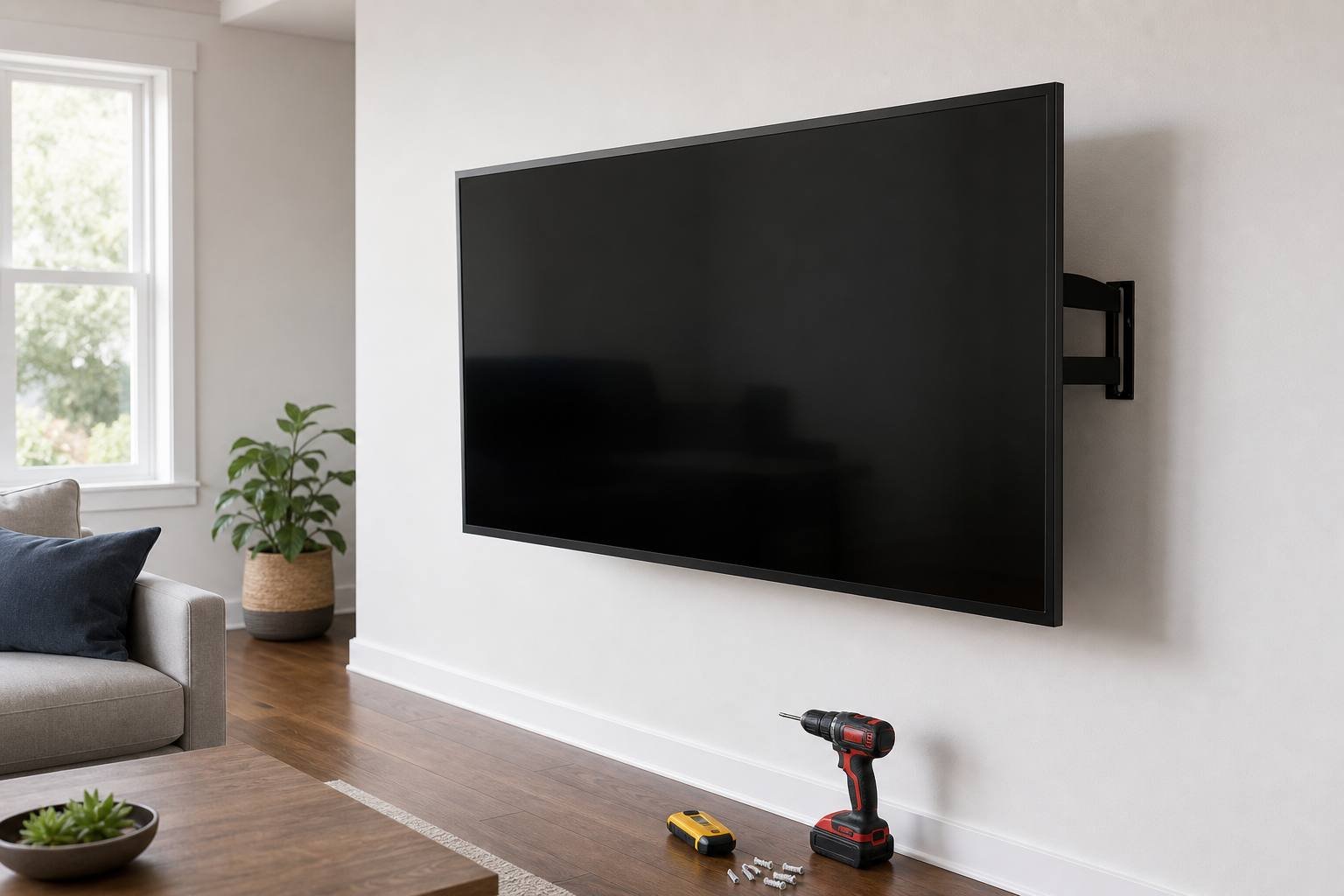
Our installation team mounts TVs across Perth County every week. We've seen every mistake in the book — TVs hung on drywall anchors that couldn't hold a picture frame, HDMI cables that only reach halfway, and screens installed at eye level when standing, not sitting. This guide covers what we actually do on every job.
Step 1: Find the Studs
This is non-negotiable. A 65-inch OLED can weigh 18–25 kg. You must anchor your wall bracket into studs, not just drywall. Canadian homes typically have studs at 16 inches on centre. Use a quality stud finder — they're $25–$40 at any hardware store — and mark both edges of each stud before drilling anything.
If you're mounting on a concrete or brick wall (common in older Ontario homes), you'll need masonry anchors and a hammer drill. If you're not comfortable with this, call us — installation is part of what we do.
Step 2: Confirm Your VESA Pattern
VESA is the pattern of mounting holes on the back of your TV. Most TVs sold in Canada follow VESA standards (200×200, 400×400, 600×400, etc.). Your mount must match your TV's VESA pattern — they're not adjustable. Check your TV's manual or look it up by model number before purchasing a mount.
Step 3: Choose the Right Mount Type
- Fixed / Flat: Sits closest to the wall. Good if you always watch from directly in front. Can be harder to access cables later.
- Tilting: Allows the screen to tilt down 5–15 degrees. Useful for mounting above a fireplace (though we advise against high-mounting for viewing comfort and heat damage).
- Full-motion / Articulating: Swings out and rotates. Best for corner mounts or multi-use spaces. Heavier and more complex — make sure your studs and hardware are up to it.
Step 4: Height — You're Probably Planning to Mount It Too High
The most common mistake we see. People look at an empty wall and hang the TV at standing eye level. When you're seated on your sofa, the screen should be at — or very slightly below — your seated eye level. For most Canadians on a standard sofa, that means the centre of the screen at roughly 100–110 cm from the floor.
"If you have to tilt your head up to watch, it's mounted too high. Your neck will remind you after a two-hour movie."
Step 5: Cable Management
Plan your cable routing before you drill. Options include:
- In-wall conduit kits (available at hardware stores, no electrician needed for low-voltage TV cables in Ontario)
- Surface cable raceways in matching wall colour
- Recessed wall plates for HDMI pass-through
Our Free White-Glove Service
When you purchase a TV from McNain, we offer free delivery and setup anywhere in Perth County. That includes wall mounting if you prefer. Call us at +1 519-348-8967 to arrange.